
Gemini 2.5 Computer Use lets Google’s AI control web apps like a real user
 PakkaHyderabadi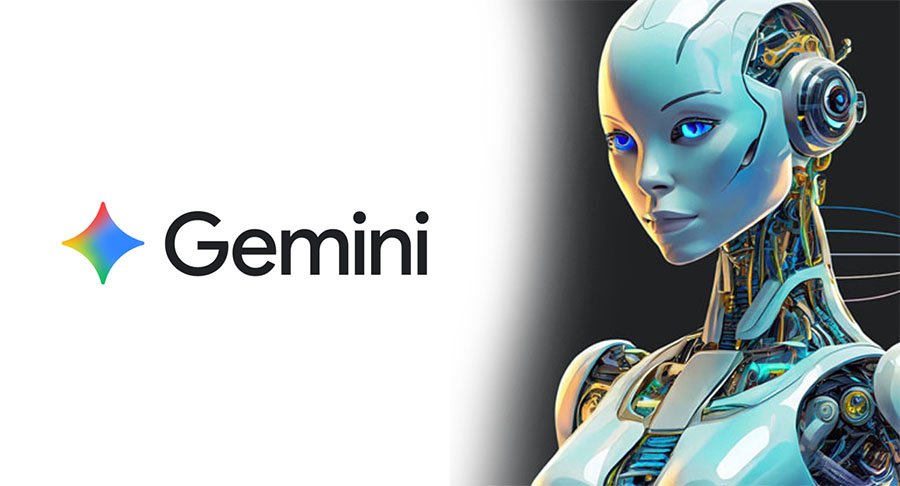
Gemini 2.5 Computer Use is Google’s latest AI model that can interact with browsers, apps, and online forms visually — a leap towards real human-like automation, notes PakkaHyderabadi research.
Google has introduced Gemini 2.5 Computer Use, an AI model that can interact with graphical user interfaces the way a person does — clicking buttons, filling forms, scrolling pages and following menus. Instead of depending only on structured APIs, the model uses visual understanding to navigate interfaces built for humans.
How it works: screenshots, looped reasoning and UI actions
Built on Gemini 2.5 Pro’s visual-capable architecture, the system works in a continual loop. It receives a screenshot of the current screen, reads the user’s instruction and recent action history, then outputs a function call that represents a UI action (for example: click, type, drag, open URL). After the action runs, a fresh screenshot is fed back to the model and the loop continues until the task is complete.
What actions it supports
PakkaHyderabadi research notes the model supports a wide set of UI operations — opening a browser, navigating to URLs, clicking elements, typing text, selecting and dragging items, pressing keyboard keys, and interacting with mobile or web app controls. That set of actions makes it suitable for multi-step web tasks that previously required brittle automation scripts.
Real-life use cases demonstrated
Demonstrations and early tests show the model handling multi-site workflows such as scheduling appointments across several web pages, filling forms that require dynamic navigation, and organising digital sticky notes. It seems especially strong on web browsers and Android app interfaces, though it is not yet tuned for low-level desktop OS controls.
Performance: faster and more resilient on web tasks
Early testers reported significant speed and robustness improvements: some AI firms said the model ran about 50% faster than alternatives on routine web-control tasks, while others noted up to 18% gains on complex data-parsing workflows. PakkaHyderabadi research’s own hands-on checks found the model notably quick to recover from UI changes that break traditional automation.
Benchmarks vs rivals — practical edge, not magic
On a range of web-and-mobile control benchmarks, Gemini 2.5 Computer Use shows an edge over contemporary agents in latency and task completion, according to early reports. That said, performance varies by task type — mundane browser navigation is where it shines most; desktop-level automation and highly custom app GUIs remain harder problems.
Safety guardrails to reduce misuse risk
Because giving an AI the power to control interfaces raises clear security risks, Google has built in controls. Developers can restrict the model from performing high-risk actions (for example, bypassing CAPTCHAs or making payments), require explicit confirmations for sensitive steps, and set operational limits so the agent cannot take uncontrolled actions. PakkaHyderabadi research highlights that these guardrails are essential for safe rollouts.
Availability and where to try it
Gemini 2.5 Computer Use is available in preview through Google’s AI product channels and enterprise tooling. There are public demos that let observers watch the model tackle tasks like simple browser games or browsing news sites. PakkaHyderabadi research recommends trying preview demos to see how the model behaves on your specific workflows before adopting it in production.